How to do Time Lapse Photography

I recently went to New York to take in the sights, and most importantly, the museums.  Which worked out because the weather was bitter cold and it snowed- twice.  But I was perfectly happy spending my time filling my creative bucket, as it were.

Since it was so cold, I didn’t get to do as much outdoor photography as I would have liked, however, it did try several digital time lapse photography experiments.

Here are the results:

HOW TO DO TIME LAPSE PHOTOGRAPHY

1.  Put your camera on MANUAL settings, both for exposure as well as focus.

2.  Take a few test shots to get the right exposure.

TIP: if you want that blurry motion effect, set the shutter to 1/20 or slower.  The slower the shutter speed, the blurrier it will be.

3.  Set your camera up on a tripod, table, or other stable surface.  Be sure to focus the camera or put it on infinity to insure everything in the frame is in focus.

4.  Scroll through the menu of your camera to select “interval” or time lapse-like setting, which will take a photo every few seconds.  Look at your camera manual to see where it is.  I have a Nikon D2X and it’s under the camera menu.  You can determine the length of time between shots and how many shots you’d like to take.  Keep in mind that the standard movie is 36 frames per second, so for every second of film, you have to shoot 36 images.

5.  Let the camera run, taking your defined number of images.

6.  After you’ve downloaded the images to your computer, convert the images to JPG, if they’re not already, and put them in their own folder.

7.  Open Quicktime Pro (not the free version).

8.  Go to File > Open Image Sequence

9.  Navigate to the folder you’ve created and select the first image in the sequence.

10.  Quicktime will automatically create the movie for you. and Violá!  Time lapse photography complete.

How to Cross Process

Cross Processing is a wonderful thing. In fact, it is one of the few reasons I still own a film camera. Even with all the fancy Photoshop Plugins and Cross Processing presets, the digital version of a cross processed image is not the scross processed imageame. Perhaps it’s the sense of nostalgia that overcomes me when I pick up the roll of the film and look through the images for the first time, feeling like a kid at Christmas, unwrapping an unknown gift from Santa, that keeps me clinging to this quasi-lost art form.

Or maybe it’s just because Cross Processing is cool.

Cross Processing is developing slides or film in the “wrong” chemicals, changing the color palette of the final images. For example, you take E6 (slide) film and develop it as C41 (print) film, or visa versa. This alteration of chemicals creates a look and feel which is distinct to cross processing, which is why people do it.

The end result will vary, depending on a myriad of factors: the type of film used, the type of light used (e.g. Tungsten, fluorescent, daylight), etc. The effect of these factors, however, are so complex, so nuanced, that I recommend you take detailed notes, so you can replicate the results in the future. It will be impossible for you to remember the exact circumstances which created that final look.

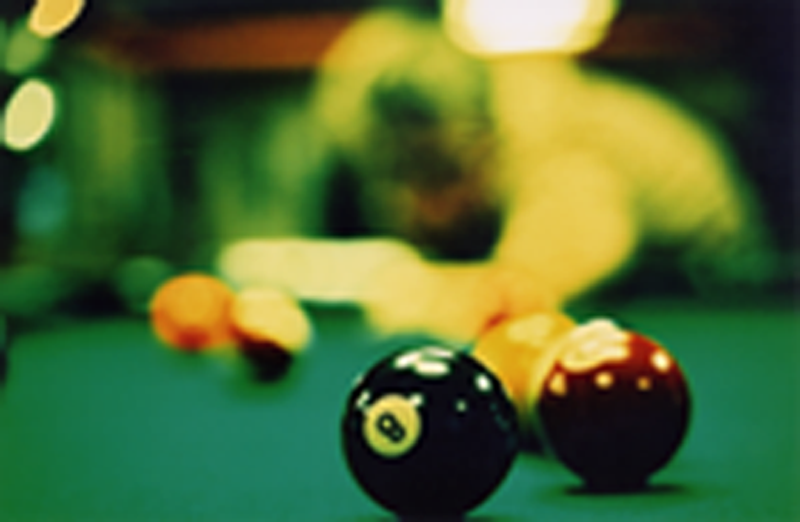
For example, I have found when shooting slide film and crossing it to print film, Fugichrome Sensia 100 has a cool color palette with intense blues and greens, while Kodachrome 200 has a warm color palette, with lots of reds and oranges in it. This image was taken with Fugichrome Sensia 200 (cross processed E6 to C41). No exposure adjustment, fluorescent lighting. As you can see, it has rich blues and greens, intensified by the fluorescent lighting. The man’s shirt was white. You’ll find, too, as a general rule, fluorescent lighting puts a green-cast over everything.

As I said before, there are many, many factors which influence the end result of cross processing, but here are some key point to remember while you’re shooing:

5 Point to Remember When Cross Processing

  1. As a general rule, when going from film to slides, OVER EXPOSE the film 3-5 stops. Bracketing is a good idea.
  2. Tungsten lights create a warm color palette, while daylight and strobes create a cool color palette.
  3. Fugi Film generally create a cool palette, Kodak, warm.
  4. When shooting slide film you DO NOT need to adjust your exposure.
  5. Cross processing brings out every detail, every flaw, every pore, and is not the most flattering when shooting close-ups of people.